


Your Google Account is Under Siege: Here's How to Lock It Down
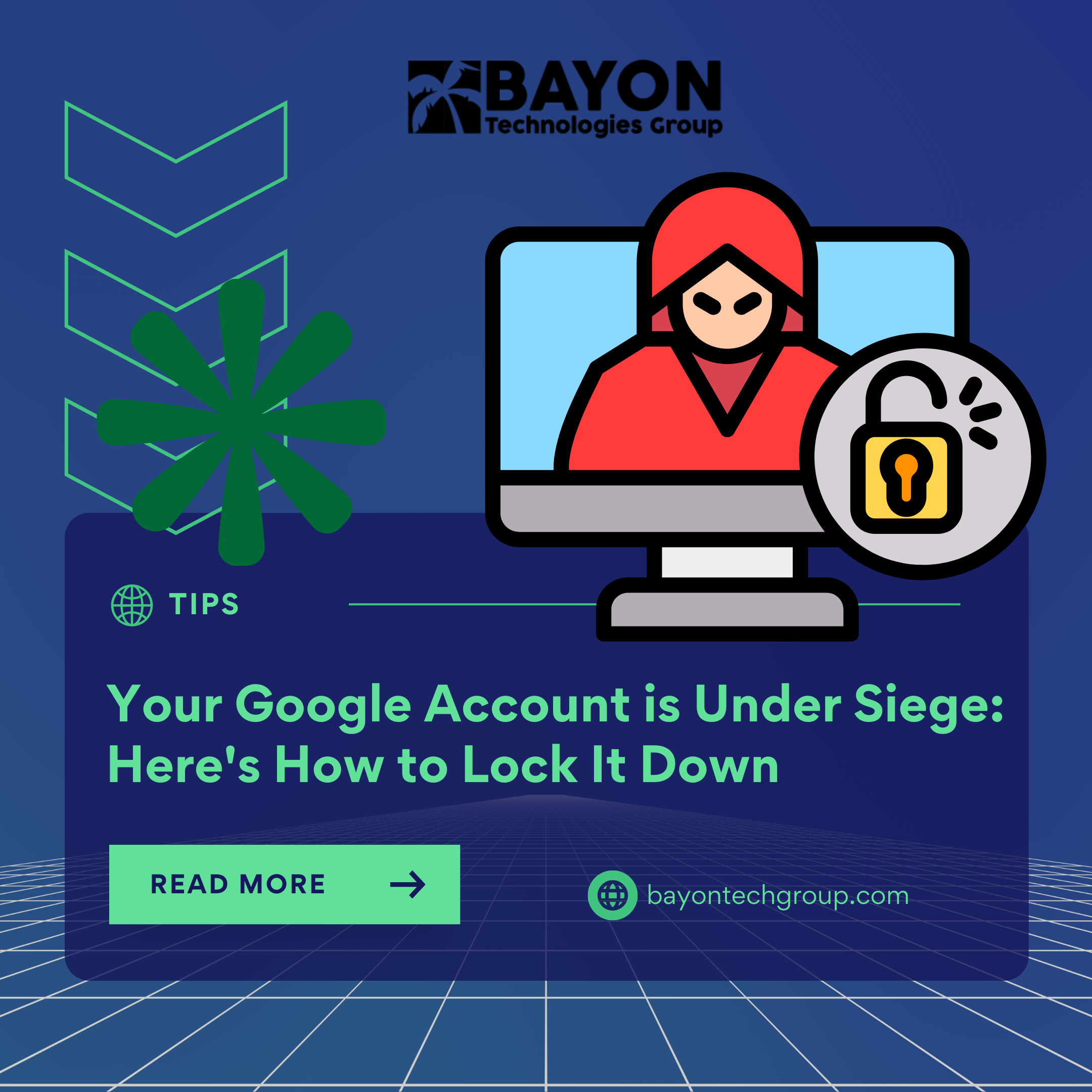
Google has warned that account takeovers are becoming more common. This is more than just a password that has been taken; in order to easily enter your online life, contemporary attackers are obtaining your login credentials, intercepting authentication codes, and even taking control of your session cookies. The IT giant is calling for quick action because Chrome Sync, a function you use on a daily basis, may contain a serious vulnerability.
The Sync feature in Chrome effortlessly backs up your bookmarks, history, active tabs, and—most importantly—your stored passwords and payment details to the cloud when you log in. This creates a single point of catastrophic failure, as security experts have long cautioned. According to one study, if your Google account is compromised, hackers can access a "treasure trove" of information, including your email address and possibly all of the accounts for which you have stored a password in Chrome.
Google's New Arms Race Defenses
Google is implementing sophisticated safeguards, particularly for Workspace users, in response to the growing threat, where phishing and credential theft account for 37% of successful intrusions:
- Passkeys: Now accessible to millions, this passwordless login technique provides a phishing-resistant substitute that, according to Google, is 40% quicker than conventional passwords.
- Device Bound Session Credentials (DBSC): This technology, which is currently in open beta, links your login session to a particular device. It is intended to counteract "cookie theft," a quickly expanding assault technique in which stolen browser cookies are utilized to completely avoid login panels.
- Google will be able to automatically respond to security alarms from partner platforms thanks to the Shared Signals Framework (SSF), a closed-beta technology that will create a more cohesive defense network.
Your Action Plan: Secure Your Account Now
Your alertness is the first line of defense as Google continues to improve its systems. This is your crucial course of action:
- Audit and Limit Chrome Sync: At the very least, turn off password and payment method syncing by going to your Chrome settings (chrome://settings/syncSetup) and selecting "Customize sync." Consider completely disabling Sync for the highest level of security.
- Adopt Strong MFA and a Passkey: Create a passkey for your Google account. Avoid using SMS-based codes for other accounts, as they can be intercepted. For strong Multi-Factor Authentication (MFA), use a security key or an authenticator app.
- Use a Dedicated Password Manager: Don't rely on the password vault that comes with your browser. Stronger encryption is offered by a reliable, stand-alone password manager, which also avoids creating a single, hackable repository of all your login information.
Security shouldn't be sacrificed for the ease of a perfectly synchronized digital life. You may create a strong defense against account takeovers by being aware of the dangers associated with programs like Chrome Sync and proactively implementing contemporary countermeasures like passkeys.
At Bayon Technologies Group, we use strong identity management procedures and layered security solutions to assist people and organizations in navigating these changing threats. Let us assist you in creating a safe digital foundation instead of waiting for a breach to occur.
‹ Back
Recent Posts
-

-

-
-
-
Protecting Your Bottom Line: The True Financial Cost of a Data Breach
September 30, 2026