

Your Pocket-Sized Risk: Why Your Smartphone's Wi-Fi is a Security Liability
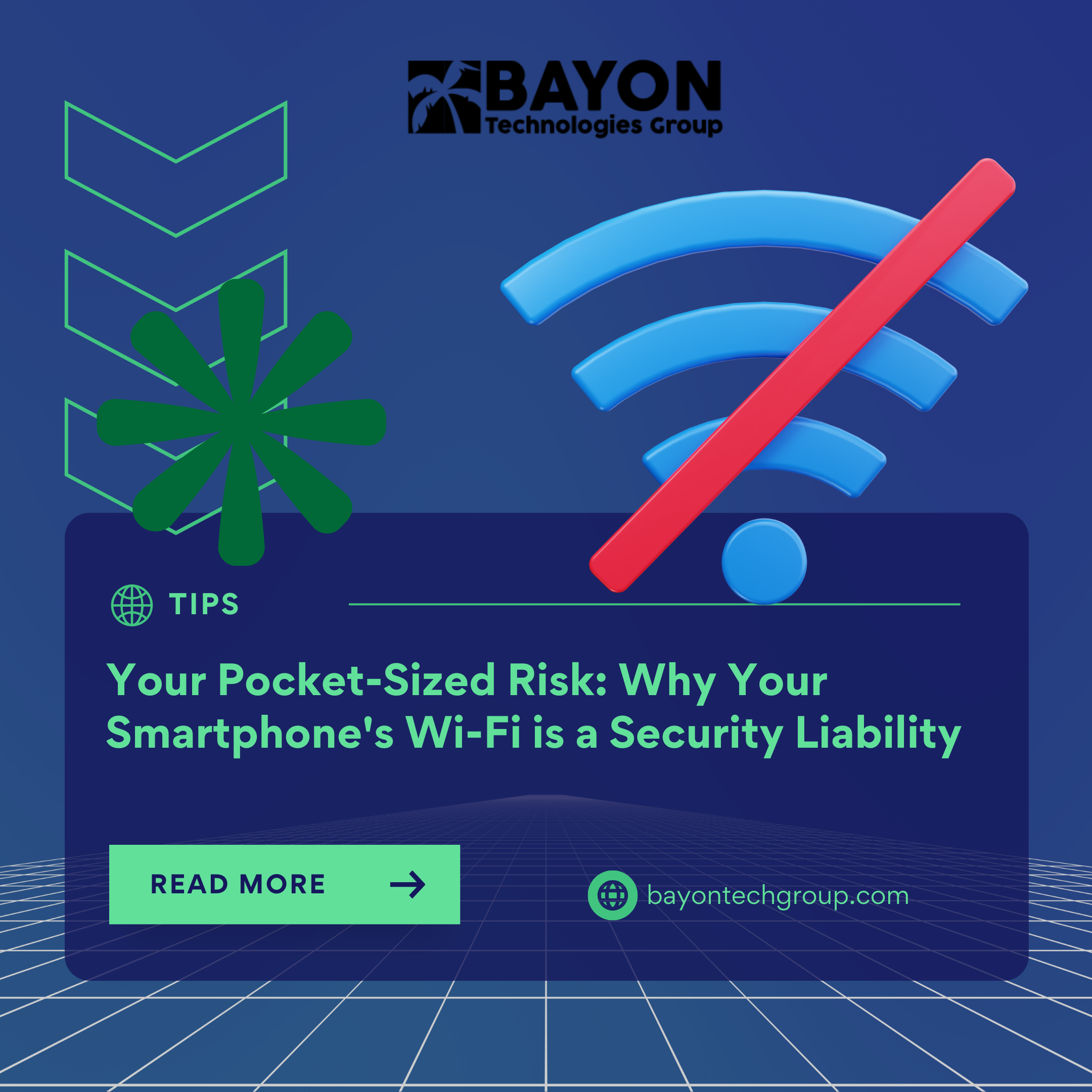
Your smartphone's Wi-Fi is probably always on in the rhythm of modern life—a forgotten setting when on the go and a silent convenience at home. But this routine behavior is more than just a small energy drain; it's a serious, unnoticed security flaw that jeopardizes your physical privacy and personal information. Taking charge of your online safety requires knowing why you should turn off Wi-Fi when you're not at home.
Automatic connections to public networks pose the greatest immediate risk. In cafes, airports, and transit hubs, your Wi-Fi can automatically join "trusted" open networks while it's looking for a connection. By creating malicious "Evil Twin" hotspots with well-known names, cybercriminals take advantage of this. All of your unencrypted data, including private messages, bank account information, and login credentials, can be intercepted and stolen without your knowledge once you're linked.
The privacy risk that your phone's saved network list poses may be more concerning. Anonymized Wi-Fi data is used by services like Google and Microsoft for location mapping, however this data may leave a digital trail. Attackers with advanced skills may be able to "sniff" the list of networks your device is looking for. A digital environment can become a real-world security risk if unique identifiers, such as your home network name (SmithFamily-5G), are found. This could be used to geolocate and possibly identify your physical home address.
An always-on Wi-Fi radio is a stealth battery killer that goes beyond security. Your phone's battery life is needlessly shortened during the day by the continuous background network scanning, which uses a lot of power.
Toggling settings by hand each time you leave the house is not the answer. Instead, use automation to ensure seamless security:
- Users of iPhones: Create a location-based automation that switches Wi-Fi off when you leave a preset "Home" area and back on when you return by using the built-in Shortcuts app.
- Users of Android: To develop comparable smart rules, look for a "Auto-enable" function in your Wi-Fi settings or use a reliable automation app like IFTTT.
- A reliable Virtual Private Network (VPN) is vital for every network you need to use. A VPN creates a secure tunnel that protects your activities from prying eyes on any network, public or private, by encrypting all data that leaves your device.
Build Proactive Digital Habits with Bayon Technologies Group
At Bayon Technologies Group, we recognize that both strong technology and wise daily practices are essential to good cybersecurity. Our professionals assist individuals and companies in creating thorough personal security procedures and putting managed security solutions into place that safeguard your data on all devices. We make sure your digital life is safe by design, from implementing enterprise-grade security tools to providing employee awareness training.
Your weakest link should not be a forgotten setting. Collaborate with Bayon Technologies Group to foster a security-conscious culture.
‹ Back
Recent Posts
-

-
-

-

Protecting Your Bottom Line: The True Financial Cost of a Data Breach
September 30, 2026
-