


Your Phone Is Sharing Data While You Sleep—Here's How to Stop It
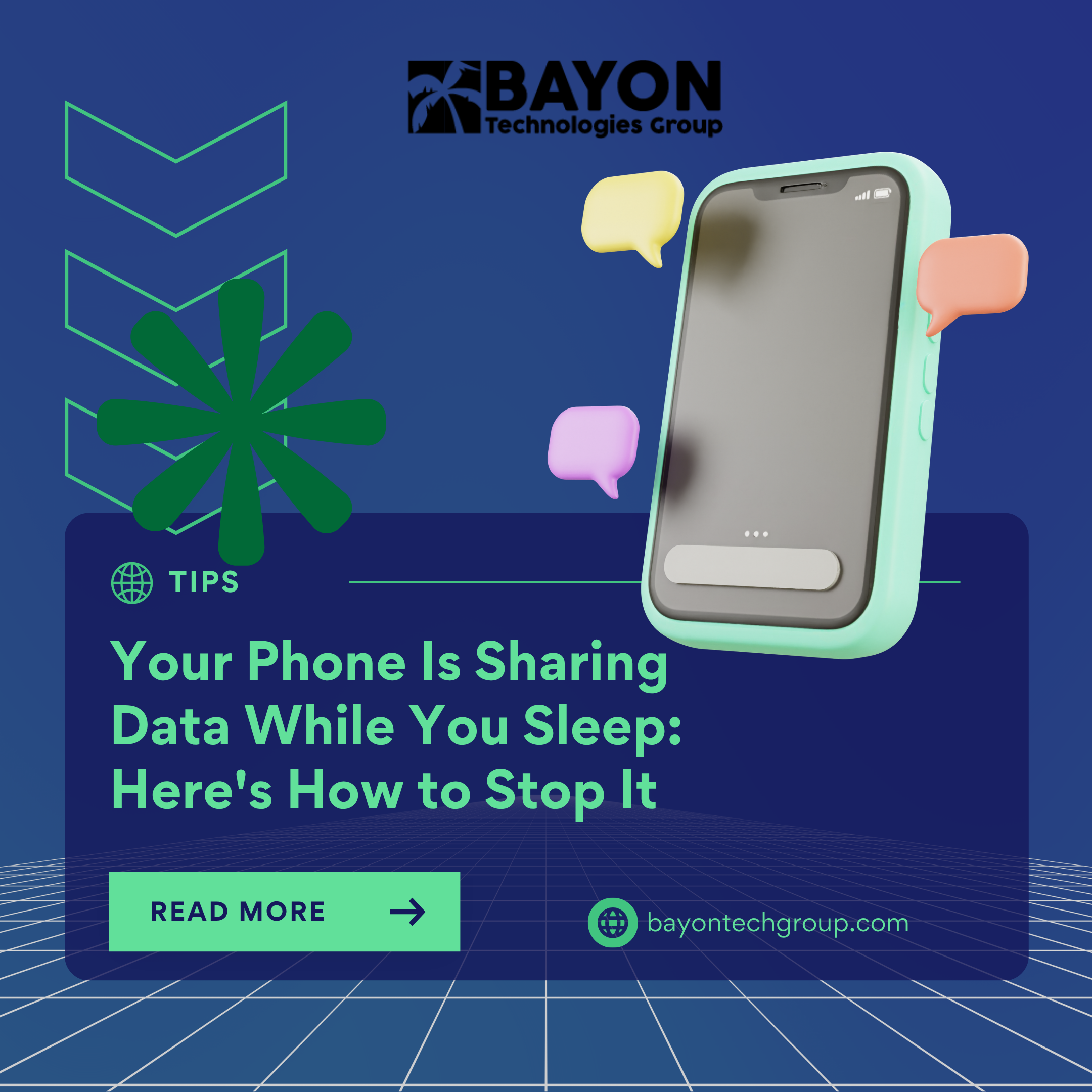
At night, you put your phone down, close your eyes, and pretend it's lying next to you. However, that is untrue. Your smartphone is silently sending small amounts of data to advertisers, app developers, and device manufacturers while you sleep. For your phone to work correctly, some of this sharing is required. However, a large portion of it is voluntary and poses a significant risk to your privacy.
NordVPN claims that your phone shares data, including device identifiers, telemetry data, service checks, and crash logs, even while it is not in use. Your operating system is updated, and your apps are synchronized thanks to these broadcasts. That is the benign aspect of the situation.
The non-essential data is the source of the issue. Companies can follow your activity across apps and services using persistent identifiers, such as advertising IDs, and create comprehensive behavioral profiles without your awareness. Even when accurate GPS is turned off, location-related signals might nevertheless show your overall patterns and movements. Background analytics can provide a complete picture of your digital life by revealing to third parties how and when you use particular apps.
Marijus Briedis, CTO at NordVPN, cautions that "from a cybersecurity standpoint, unnecessary background data sharing is not just a privacy issue, it's a risk multiplier." Users may be exposed to tracking, profiling, and even interception with each identification or telemetry signal.
How to Lock Down Your Phone's Privacy
Your phone needs specific information to operate; you can't and shouldn't stop all data sharing. However, you may drastically reduce the amount of data that poses a threat to privacy. Here's how:
1. Examine the permissions for the app
Examine your programs and remove any unnecessary permissions. Apps that monitor your location, access your camera or microphone, or browse your photo collection should receive extra attention. It's a warning sign if a flashlight app requests your location.
2. Restrict Background App Refreshes
The majority of programs don't require background refreshes. Disable Background App Refresh for non-essential apps on your iPhone by going to Settings > General > Background App Refresh. Go to Settings > Apps on an Android device, launch each app, and check its permissions.
3. Limit Backups to the Cloud
For any data you don't need backed up, turn off auto-sync. Make sure your cloud backups are protected with a strong password for the data you sync.
4. Turn Off Customized Advertising
One of the best methods is this one. Turn off Personalized Ads on the iPhone by going to Settings > Privacy & Security > Apple Advertising. Customize your ad preferences or reset your advertising ID on Android by going to Settings > Security & Privacy > Privacy Controls > Ads.
5. Make use of a VPN
By encrypting your internet connection, a virtual private network makes it more difficult for advertising and other third parties to monitor your online behavior. This provides an essential degree of defense against data collection and profiling.
Take Control of Your Digital Footprint
Your phone doesn't need to be a silent spy. You may significantly lower the quantity of personal information that is shared without your knowledge by taking a few minutes to examine and modify these settings.
We at Bayon Technologies Group assist people and companies in taking charge of their online privacy. We offer the resources and know-how you need to safeguard what really matters, from thorough privacy audits to VPN implementation and security awareness training. Let us assist you in developing a privacy-first approach so that your devices don't reveal your secrets.
‹ Back
Recent Posts
-
-
-

Protecting Your Bottom Line: The True Financial Cost of a Data Breach
September 30, 2026
-
-
BragJack Exploit Exposes Systemic Flaws in AI Browsers
September 25, 2026